Article 10: How to view and update customer details
How to view and update customer details
Your customers' information is saved in Snook, so you can quickly find their contact details, check their booking history and update their laundry preferences.
Find a customer
Open Customers.
Use the search bar to find a customer by name, phone number or address.
Select their name to open their customer profile.
View their customer profile
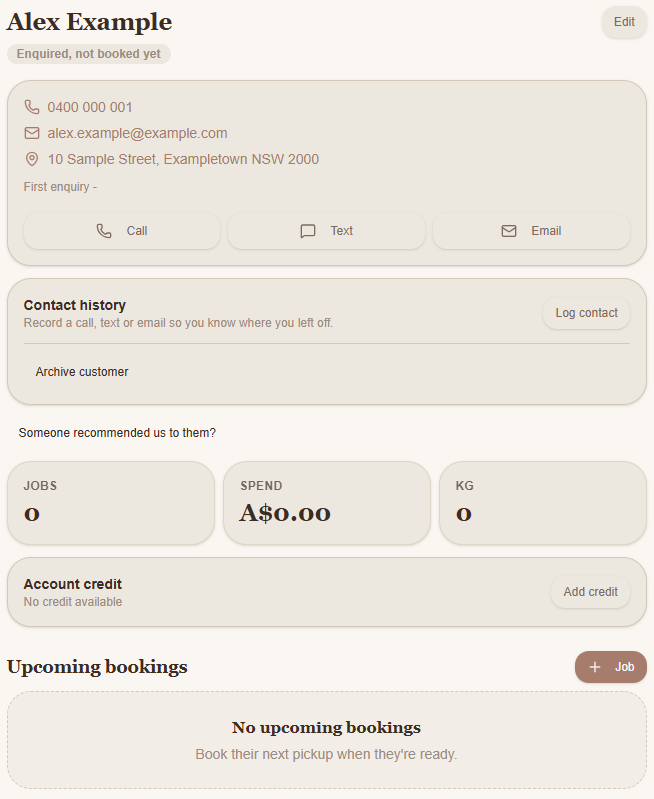
Each customer profile brings together useful information, including:
Contact details: Phone number, email address and address.
Contact history: Keep a record of conversations with your customer.
Jobs: The number of jobs recorded for that customer.
Spend: How much the customer has spent with your business.
KG: The total kilograms recorded for their jobs.
Account credit: Any credit available on their account.
Upcoming bookings: Jobs scheduled for that customer.
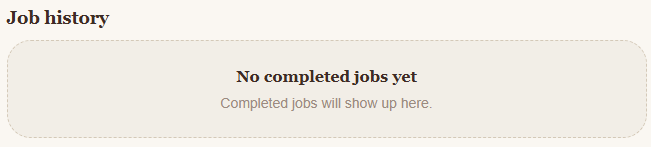
Job history: Their completed laundry jobs.
You can also use the Call, Text or Email buttons to contact the customer.
Update customer details
Open the customer's profile.
Select Edit in the top-right corner.
Update their contact information, address or laundry preferences.
Add or change any general notes.
Select Save customer to save your changes.
You can return to their profile and update these details whenever something changes.
Need help?
Still need a hand? Email us at support@snookapp.au and we'll be happy to help.