Article 28: How to cancel or reactivate your Snook subscription
How to cancel or reactivate your Snook subscription
You can cancel your Snook subscription at any time through Stripe's secure Customer Portal.
If you decide to cancel, you won't lose your business records. You'll keep full access until the end of your current billing period, and you can reactivate your subscription if you decide to return.
How to cancel your subscription
Sign in to Snook.
Select More from the menu.
Scroll down to Subscription.
Click Manage subscription.
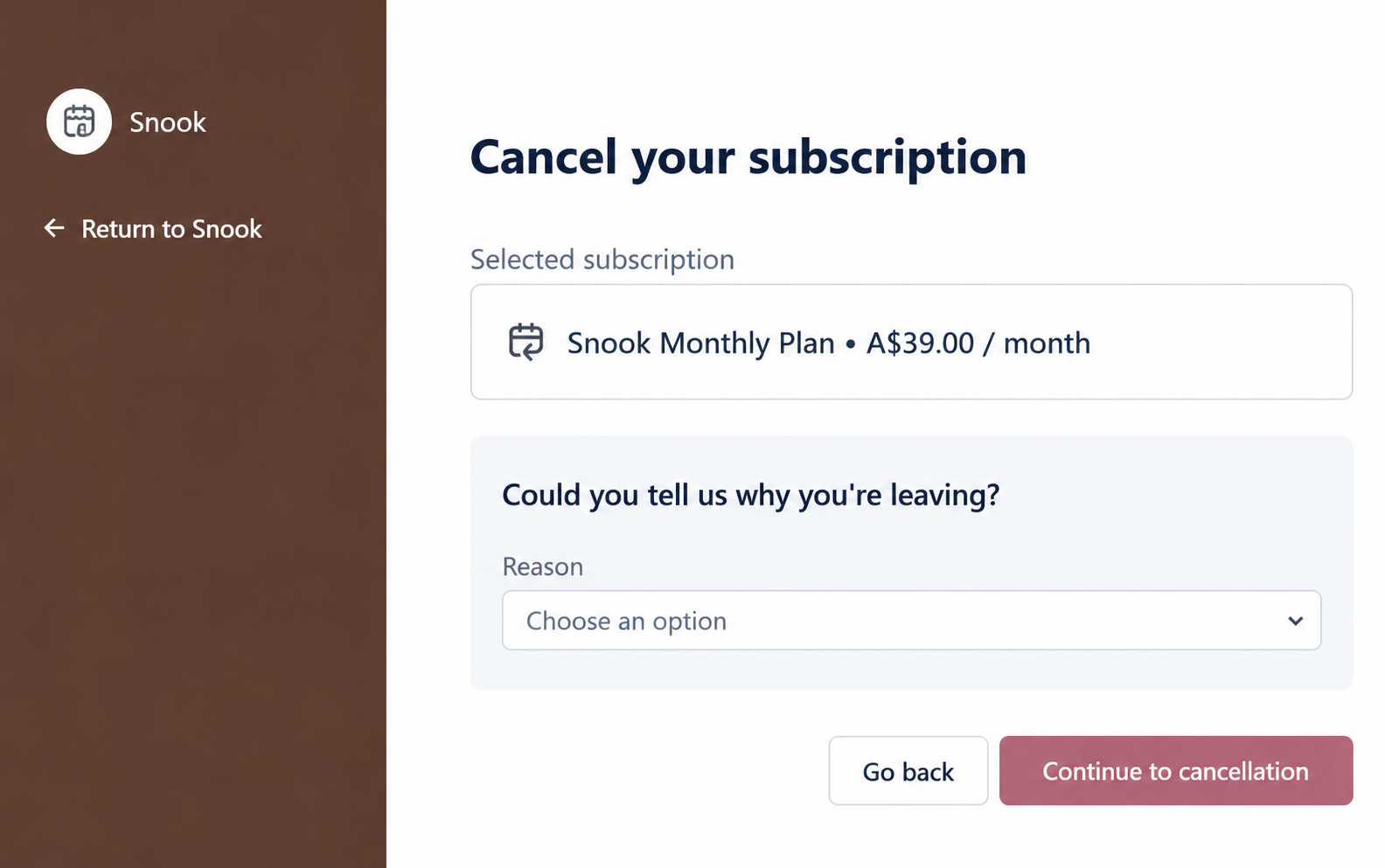
In the Stripe Customer Portal, select Cancel subscription.
Choose a reason for cancelling, if prompted.
Click Continue to cancellation.
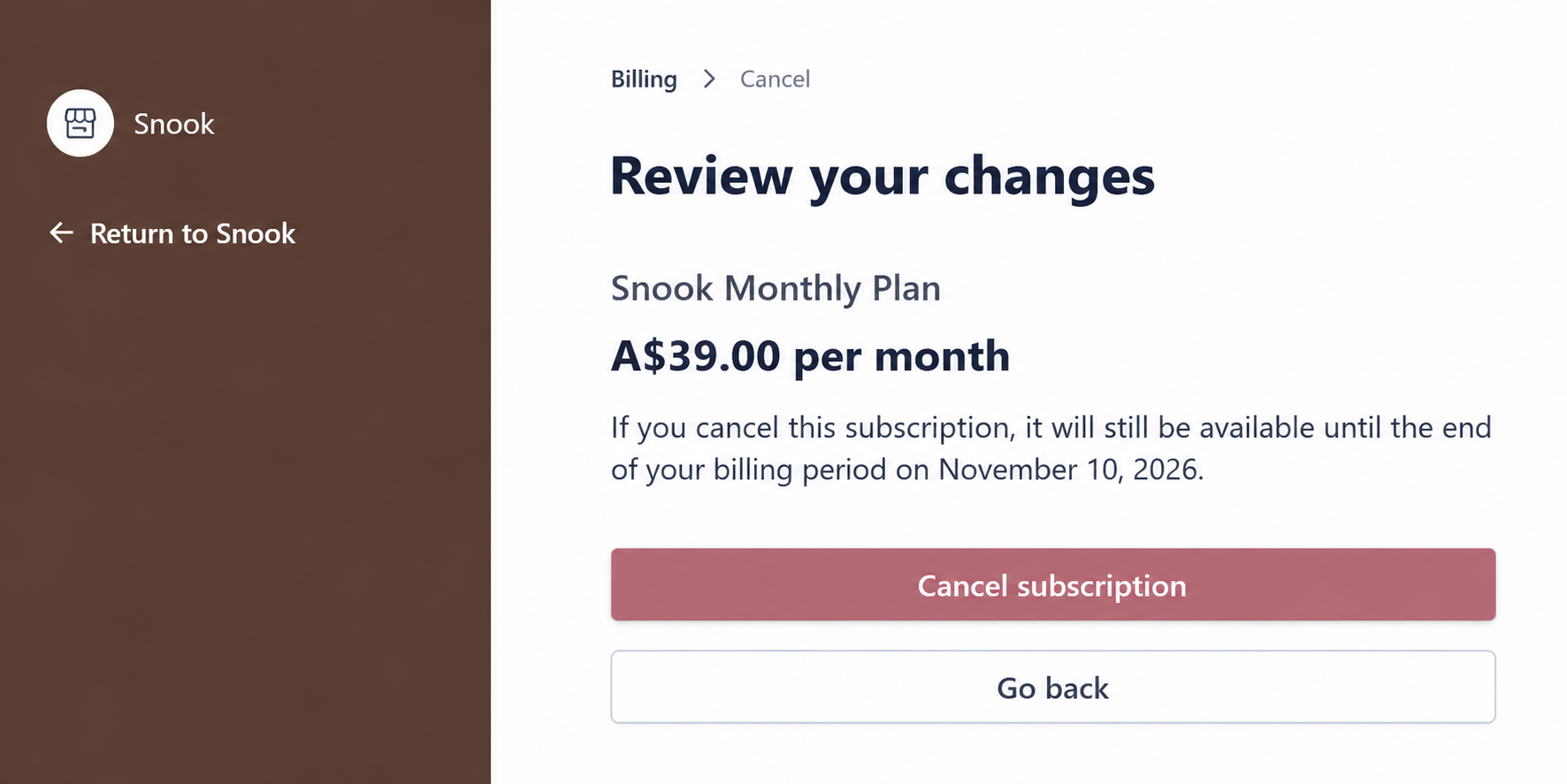
Review the cancellation details, including the date your subscription will end.
Click Cancel subscription to confirm.
Your subscription is now scheduled to end on the date shown in Stripe.
What happens after I cancel?
Cancelling doesn't immediately remove your access to Snook.
You'll continue to have full access until the end of your current billing period. Stripe will show you the exact date before you confirm your cancellation.
Once that date passes, your subscription will no longer renew and your Snook account will move to read-only access.
Will I lose my customers and business records?
No. Your existing business information remains available.
With read-only access, you can still:
Sign in to your Snook account.
View your existing customers and laundry jobs.
View your reports and business records.
Export your information.
You won't be able to create new records or make changes to existing ones until you reactivate your subscription.
Your public booking page will also be paused, so customers won't be able to make new bookings through it.
How to reactivate your subscription
If your subscription is still within its current billing period, you may be able to reverse the scheduled cancellation through the Stripe Customer Portal.
Sign in to Snook.
Go to More → Subscription.
Select Manage subscription.
Look for an option to renew or reactivate your subscription.
Follow the prompts to confirm.
If your subscription has already ended, sign in to Snook and use the available subscription option to start a new paid subscription.
Once your subscription is active again, you'll regain access to Snook's editing and business management features.
Your existing records will still be there, so you won't need to set up your business again.
Can I cancel during my free trial?
Yes. You can cancel during your 14-day free trial using the same process.
If you cancel before the trial ends, you won't be charged the monthly subscription fee.
You'll retain access until your scheduled trial end date.
Need help?
Still need a hand? Email us at support@snookapp.au and we'll be happy to help.